How Sanctum's Clouds Work
The building blocks of the Sanctum sky — explained in plain English, with the math and a live cloud you reshape with your own hands.
Every interactive cloud here is a real GPU render of the Sanctum cloud — the sliders scrub through pre-rendered frames, so it runs smoothly on any device — no heavy GPU needed.
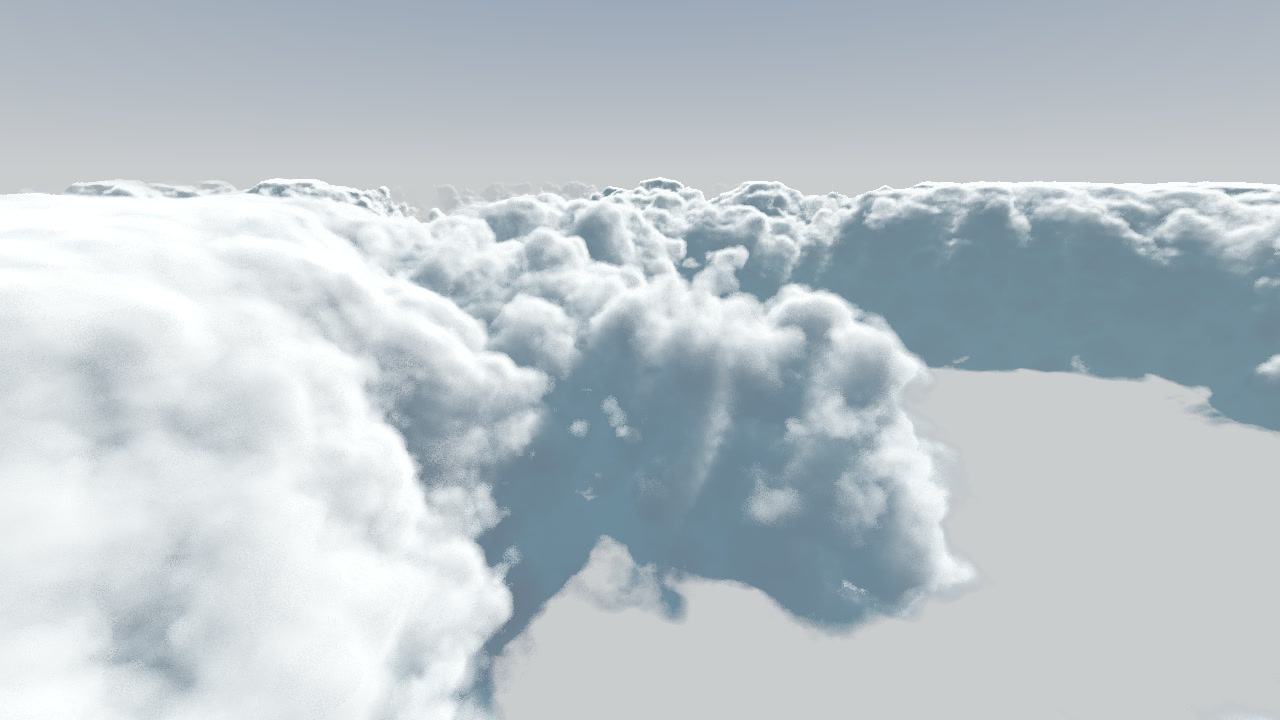
One pixel, five steps
Every dot on your screen is a single ray fired from the camera into the world. That one ray does five things, in order. The rest of the page zooms into each — and tells you who invented it.
How a pixel becomes a ray
The camera sits at one point. Each pixel looks in a slightly different direction — centre dead ahead, edges tilting outward. How far they tilt is the field of view. One line:
The sky — two colours and a sun
Before any cloud, the ray gets a sky colour: a blend between a top and a horizon colour, mixed by how high the ray points. The 4th-power curve keeps blue across the dome and crushes the pale horizon into a thin band.
(You already dragged the sun across this cloud up in the hero — that's this exact \(\mathbf{sky}=\text{mix}\big(\text{top},\text{horizon},(1-t)^4\big)\) at work.) The blend curve is what shapes it:
The colour-space bug that made everything white a real mistake
Sky colours are authored in sRGB (your monitor's space); lighting math must run in linear light. We first fed raw sRGB numbers in as if linear — and the whole scene went much too bright — an "ungodly bright" white-out. The fix is the sRGB→linear decode \(\left(\tfrac{c+0.055}{1.055}\right)^{2.4}\).
The noise library — clouds out of static
Cloud shape comes from noise — random-but-smooth patterns, sampled at different scales and stacked. Two famous noises do the work, and they fix each other's weaknesses.
Density — how much cloud is here?
One function answers "how solid is the cloud at this point?" (0–1), blending the noise through a few dials. Here are the big three, each driving the real cloud.
Coverage — the master "how cloudy" dial
Sharpness & density — wispy vs firm, thin vs thick
The real cloud also uses remap (carving one shape out of another) and smoothstep (soft edges instead of hard cutoffs) — the math views:
The raymarch — sampling along the ray
We walk forward in steps, asking "how much cloud?" and adding it up. The number of steps is the quality dial — and you can see it directly:

But what is each step actually doing? Watch one ray creep in — it peeks at the cloud bit by bit and adds up what it finds:
Lighting — what makes a cloud look real
Where a grey blob becomes a sunlit cloud. Four pieces of physics — and you can drive the three biggest.
1 · Beer's Law — bright edges, dark cores
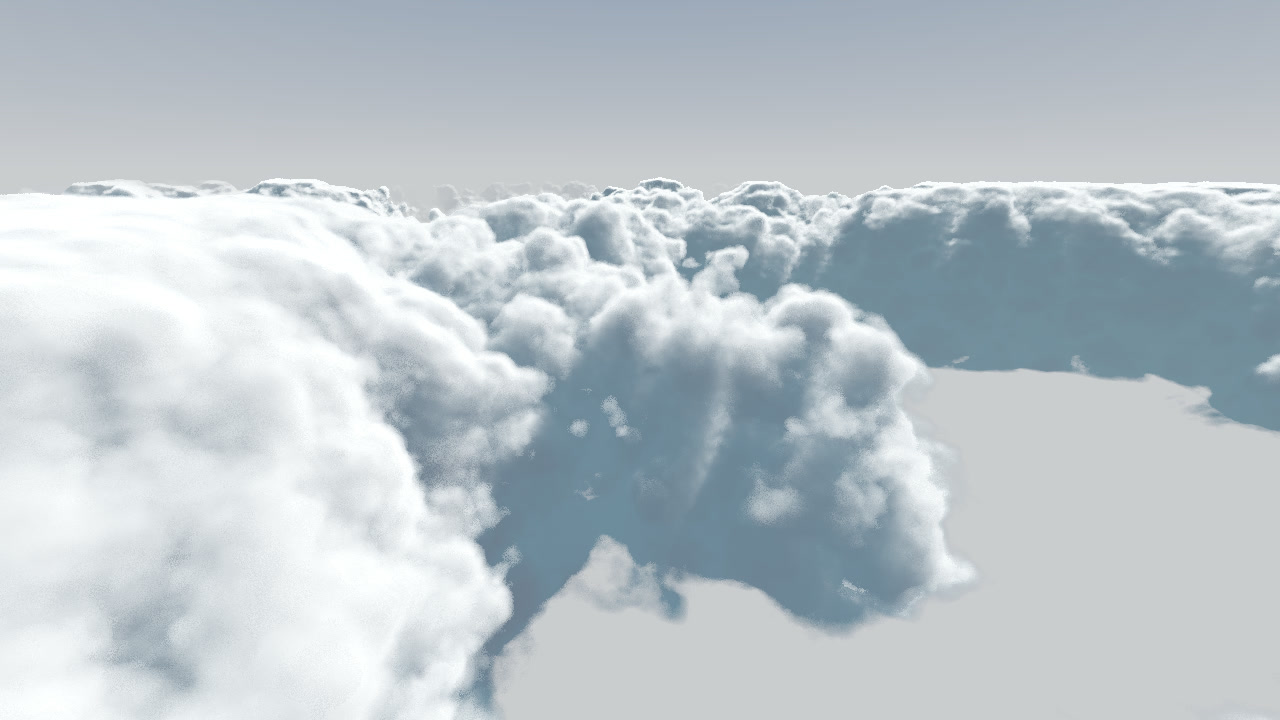
Absorption \(k\) — how fast cloud swallows light, the rate in \(T=e^{-kx}\). High \(k\) = dark dense cores; low \(k\) = thin and translucent. ↓ drag \(k\) on the live curve below and watch the survival rate plunge.
2 · Henyey–Greenstein — the silver lining
3 · The moving sun (& the warm point light)
The same sun you dragged across the cloud in the hero is its key light — low for dramatic, reddened side-lighting; high for bright noon. The sun is white; a separate orange point light at \(\hat{\mathbf{s}}=(\cos e\sin a,\ \sin e,\ \cos e\cos a)\) warms the towers from within.
Atmospherics — depth and the blue of the sky
Between you and a far cloud are kilometres of air that scatter light. The nearer-vs-farther fade is aerial perspective — and it's what gives a flat scene depth:
Tonemap — squeezing HDR light into a picture
Lighting produces values past 1.0 (the sun, sunlit tops). A monitor maxes at 1.0, so naive output clips to white. The filmic curve rolls highlights off like film instead:
Exposure — how much light we feed the film curve, \(\text{out}=f_{\text{filmic}}(\text{light}\times\text{exposure})\). Push it up and a naive renderer blows the sunlit tops to flat white; the filmic curve rolls them off. ↓ drag exposure on the live curve below and watch the naive (red) line clip while the filmic (orange) one keeps detail.
Bloom — letting the bright bits bleed
Real lenses — and your own eyes — bleed light outward from very bright areas. We copy just the bits above a brightness threshold, blur them (a Gaussian blur), and add that glow back on top:
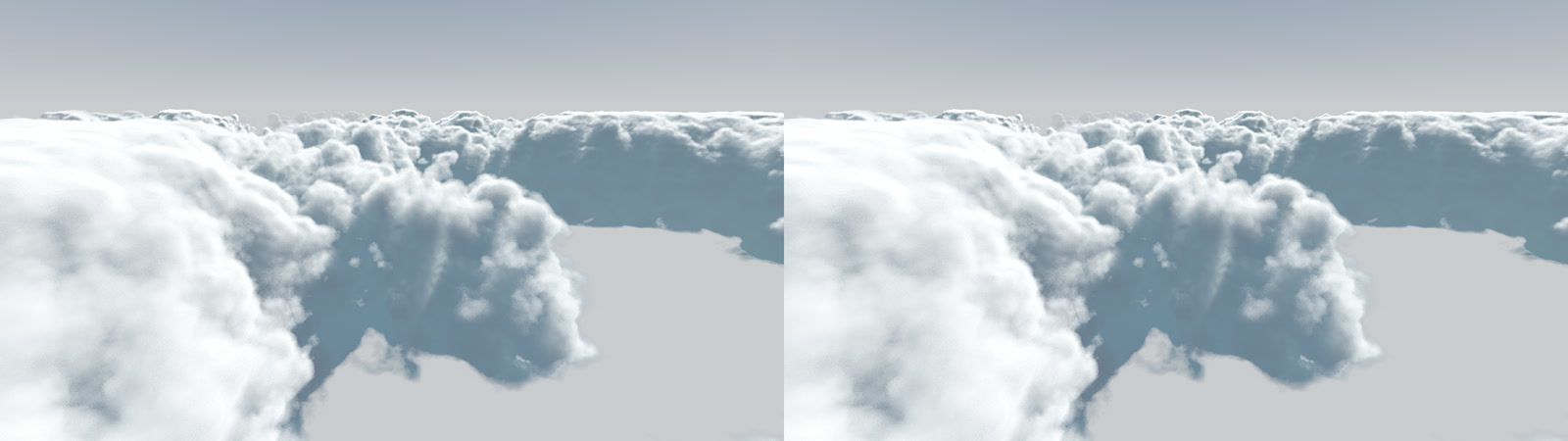
Bloom — \(\max(\text{colour}-\text{thresh},0)\to\text{blur}\to\text{add}\). Only the bright cloud tops cross the threshold, so the glow lands on the edges without washing out the rest.
Animation — making the sky breathe
Each noise octave drifts with the wind at its own speed, so the clouds evolve rather than slide. Here it is in the Sanctum production sky — churning in place, and flown through:
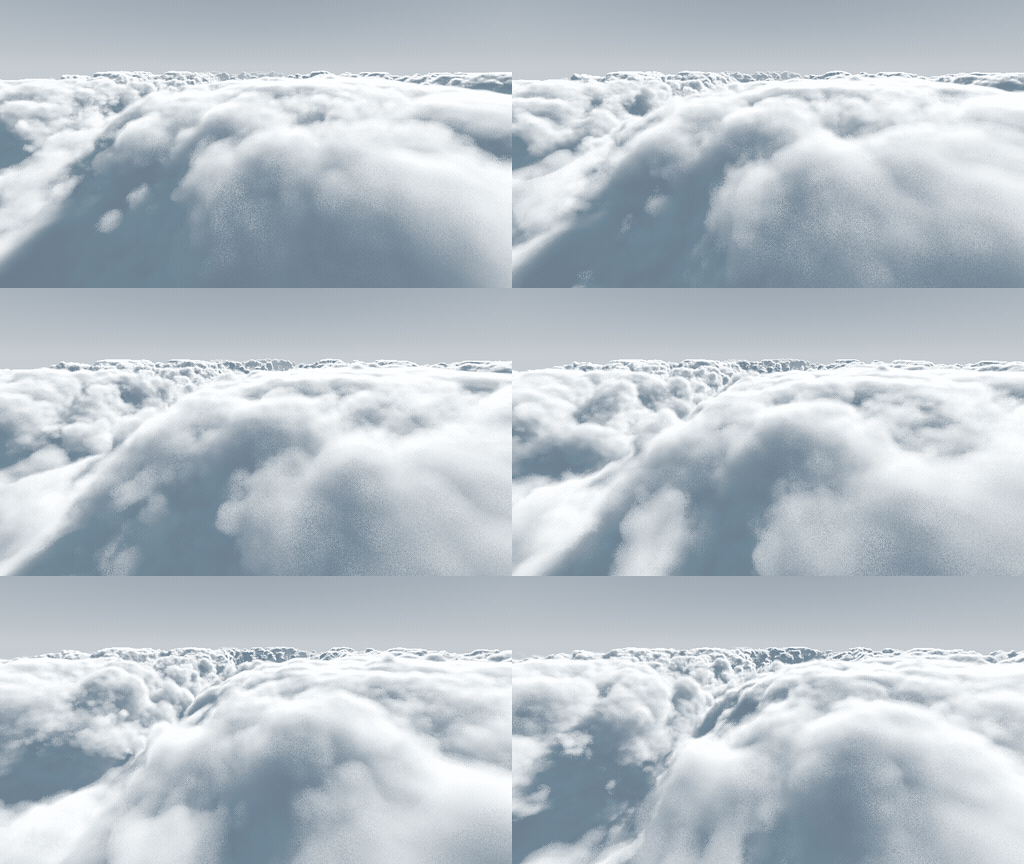
Animation — \(\text{pos}\mathrel{+}=\text{wind}\times\text{speed}\times dt\). Each octave drifts at its own speed, so the cloud churns and evolves rather than sliding past — the schematic below shows why.
Does the port match the original? — the Sanctum port vs the engine
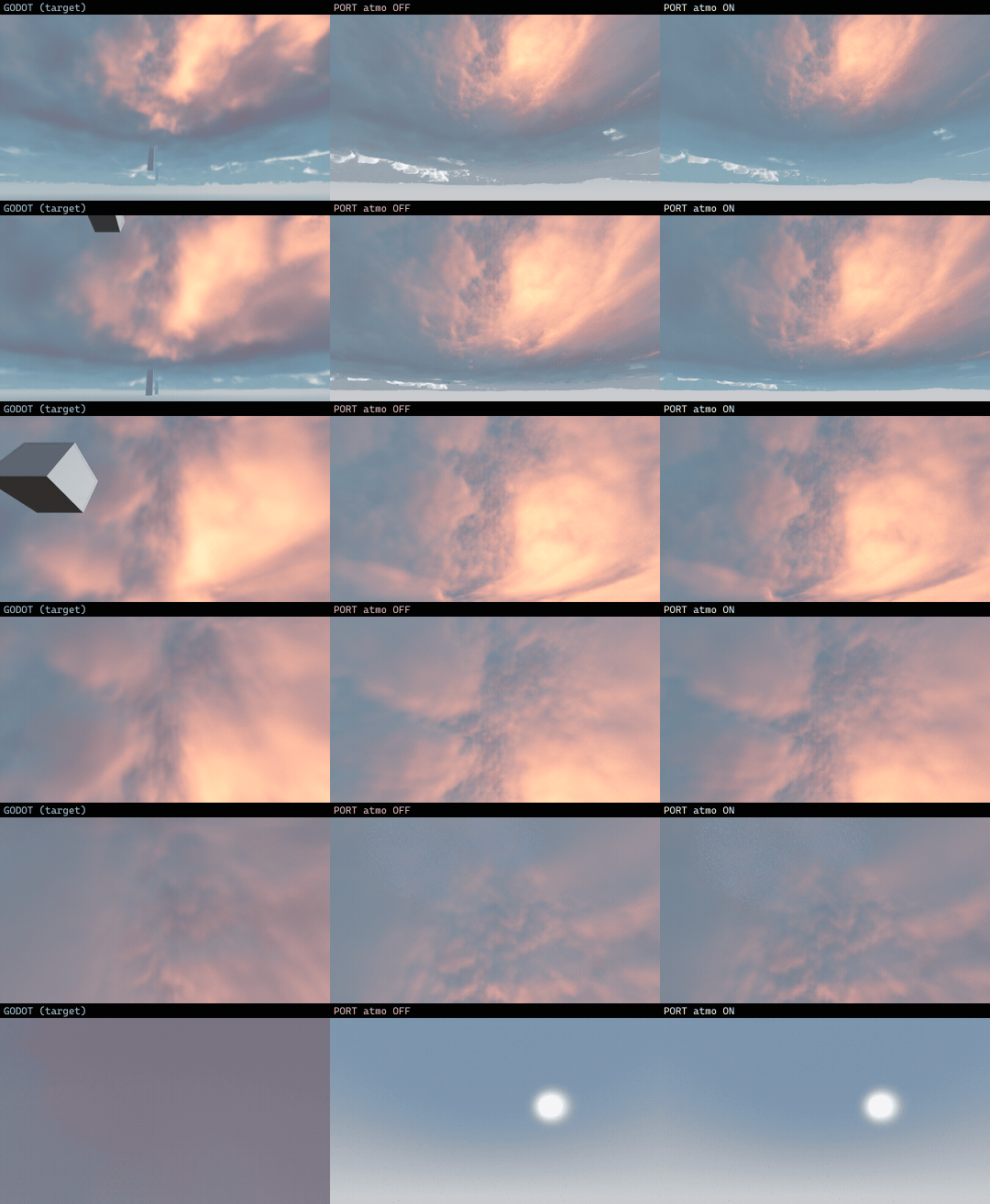
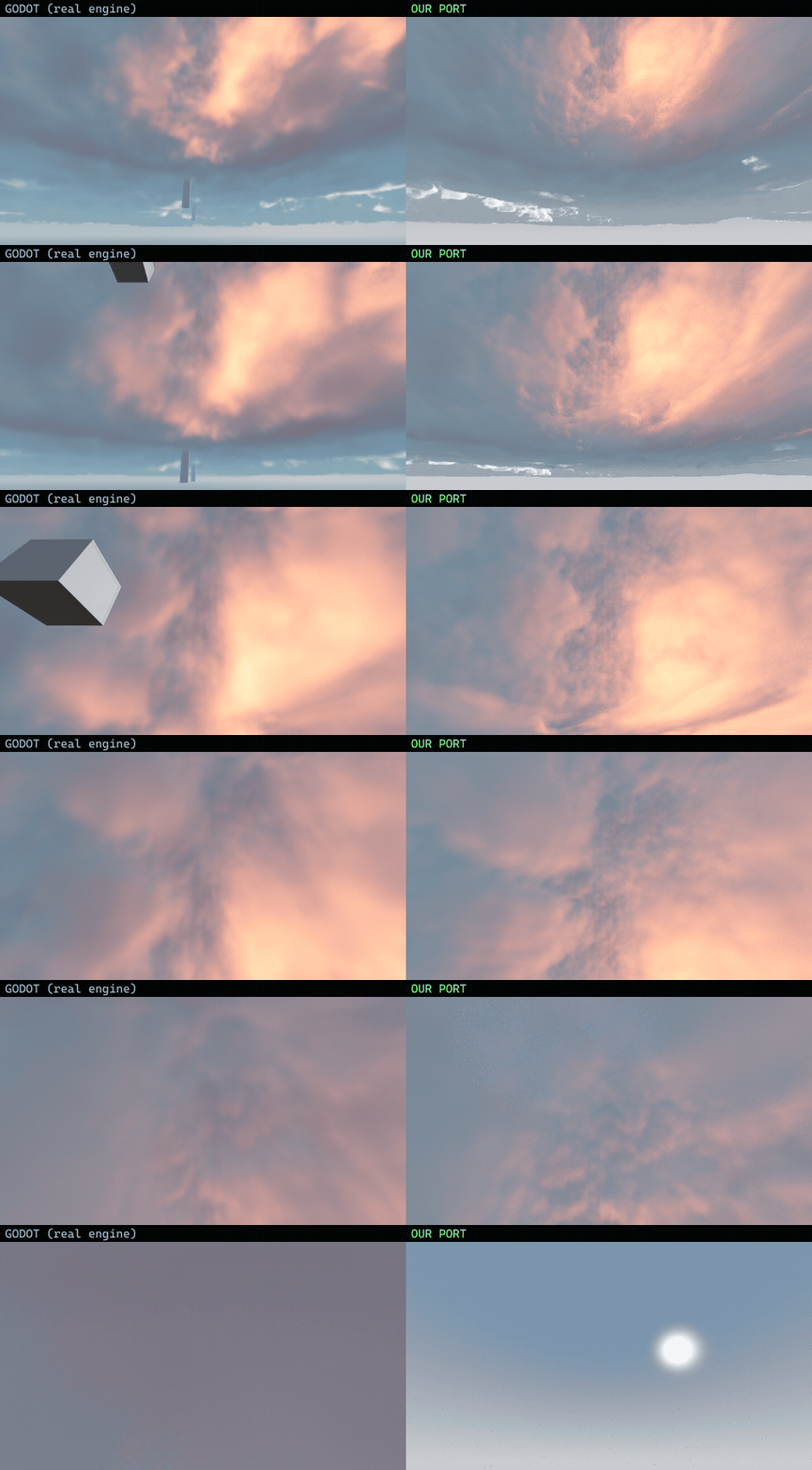
The cloud you've been dragging is no stand-in — those are real frames from the Sanctum production renderer, a full GPU raymarcher, pre-rendered so the page stays light (only the little math diagrams are drawn live in your browser). And that renderer is itself a port of Bonkahe's open-source Godot shader — so to check the port against the original, the same camera is rendered in both engines and compared side-by-side on the GPU:
The whole machine, in one breath
Sky gradient → multi-octave Perlin–Worley density → coverage & remap carving → adaptive raymarch → Beer's-law self-shadow + Henyey–Greenstein rim + ambient + sun → aerial perspective → filmic tonemap → bloom → wind animation.
Every layer is one small, checkable formula — most a century or more old — stacked on the last. You just dragged the main ones.
A port of Bonkahe's shader — and what's Sanctum's
Straight answer: the cloud recipe isn't Sanctum's to claim. It's a port of Bonkahe's open-source SunshineClouds2 (Godot, MIT) — every constant matches Bonkahe's scene, checked against the actual engine. That was the point: port it as-is and check it works. What's Sanctum's is the engineering that got those clouds running — true to the original look — somewhere they were never built to run:
① A compute shader, rebuilt as a web raymarch
Bonkahe's clouds are a Godot/Vulkan compute shader. The Sanctum version is a WebGL2 fragment raymarch — a different architecture (explicit textureLod, per-ray LOD-scaled marching, no implicit derivatives) to run the same math in a browser.
② Making a Vulkan shader behave on the web
Vulkan tolerates things WebGL/ANGLE don't. Sanctum found and fixed four classes of bug that turned the clouds into NaN-black on Direct3D — a reversed-edge smoothstep, a 0/0 in remap, undefined texture LOD in a divergent loop — plus the catch that ANGLE's fast-math silently eats isnan guards, so bad values must die at the source.
③ It runs on anything — no Godot
Bonkahe's version needs the Godot engine installed. The Sanctum port is a single WebGL2 page: the same clouds on a phone, in a browser, no install — which is the whole reason Sanctum, a three.js MMO heading to Steam, can actually use them.
④ Bonkahe's exact data, re-baked
Sanctum bakes Bonkahe's Godot noise resources into RGBA8 3-D volumes, so the inputs stay Bonkahe's, not an approximation. (The one real visual difference: Bonkahe animates FastNoiseLite; Sanctum marches baked Worley — same recipe, shapes land in different places.)
⑤ Checked against the engine, not just asserted
Sanctum built a Godot ground-truth harness that renders Bonkahe's actual engine, then put the same camera side-by-side in both on the GPU. Recipe and constants match, and the look lines up closely (that's the comparison above).
⑥ Where it's heading: a living world
The port proved Bonkahe's clouds work in three.js. Next they get Sanctum's day-night sun-and-moon and world systems driving them — that integration is Sanctum's to build.
So: the cloud math is Bonkahe's, ported and checked side-by-side against Bonkahe's engine. What Sanctum built is the bridge that makes it run as an MMO using three.js.
Sources & further reading
Further reading on the techniques used:
- Scattering: Beer–Lambert (Bouguer 1729 · Lambert 1760 · Beer 1852); Rayleigh & Tyndall; Mie (1908).
- Phase & sky: Henyey–Greenstein (1941); Nishita (1993); Hillaire.
- Noise & volumetrics: Perlin (1985); Worley (1996); Kajiya & Von Herzen (1984); Hart (1996).
- Game clouds: Schneider & Vos, Nubis (2015); Bonkahe, SunshineClouds2 (MIT); Inigo Quilez, clouds.
- Tone & colour: Hable (2010); Reinhard (2002); Poynton, Gamma FAQ; sRGB.
Built for Sanctum · the interactive sliders scrub pre-rendered frames of the real production cloud and recompute small illustrative formulas in your browser — no heavy GPU needed (see ISOLATION.md). All imagery is a GPU render.